
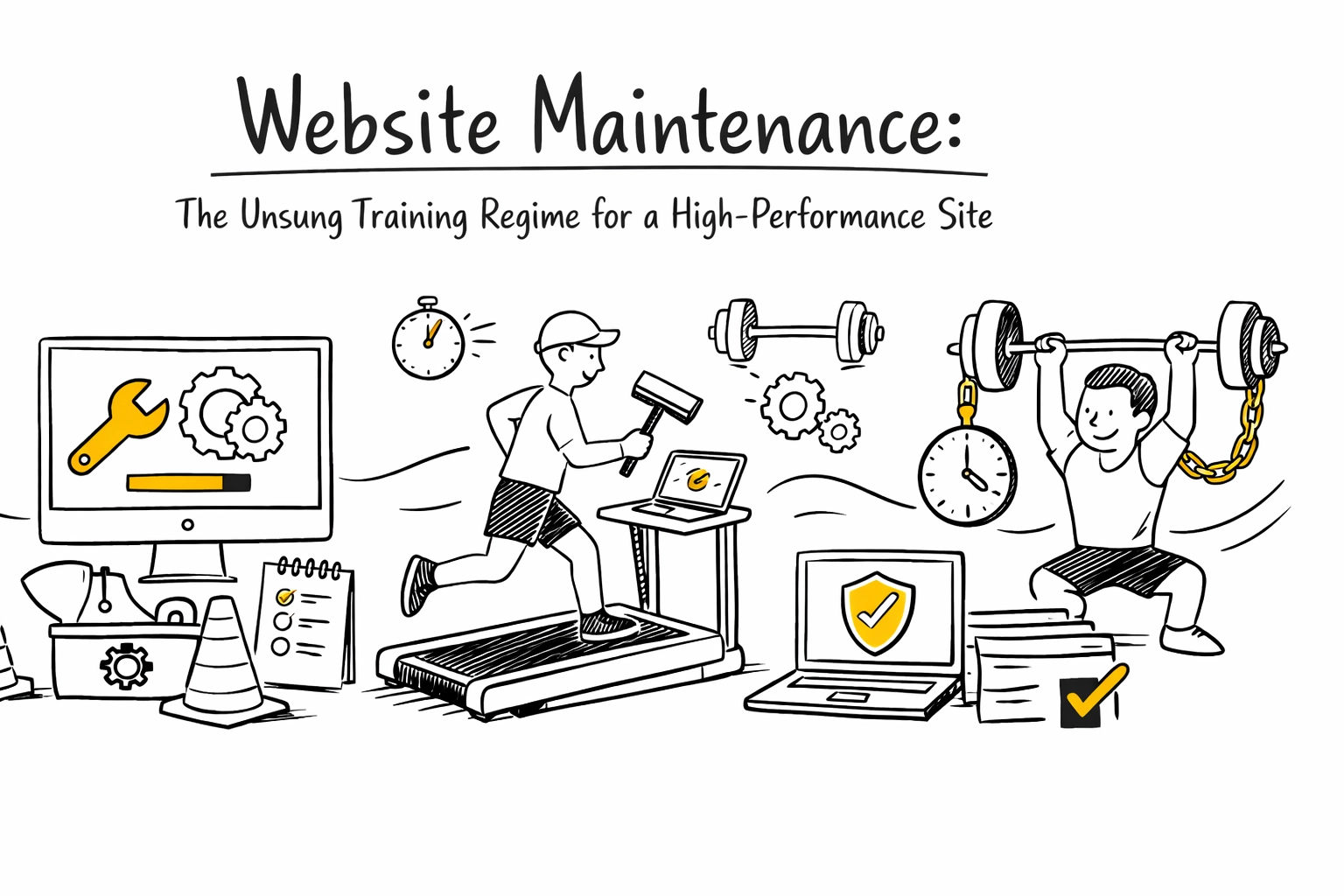
You wouldn't expect an Olympic skier to just show up on race day without months of rigorous training, right? They don't wake up, throw on some skis, and hope for the best. They drill, they practice, they fine-tune every muscle and movement until they're operating at peak performance.
Your website is no different.
Sure, it might look great on launch day: sleek design, smooth functionality, content that pops. But without a consistent maintenance routine? That shiny new site turns into the digital equivalent of an athlete who skipped training camp. Slow. Clunky. Vulnerable to crashes (or worse, hackers).
Website maintenance is the unsung training regime that keeps your site in gold-medal shape. Let's break down why regular updates and performance checks are crucial for a winning user experience: and how to build a maintenance routine that would make any Olympian proud.
The Warm-Up: Why Website Maintenance Actually Matters
Think of website maintenance as your site's daily stretch routine. It's not glamorous, but it prevents injuries (security breaches), improves flexibility (performance), and keeps everything running smoothly when it counts.
Website maintenance is a continuous process of updating, monitoring, and optimizing your site to ensure it stays secure, fast, and user-friendly. Skip it, and you're essentially asking your website to compete with a pulled hamstring.
Here's what happens when you neglect maintenance:
- Security vulnerabilities pile up like unread emails
- Page load times slow to a crawl (Google hates this, users hate this more)
- Broken links create dead ends that frustrate visitors
- Outdated content makes you look out of touch
- Compatibility issues mean your site looks weird on newer devices
None of these scream "gold medal user experience," do they?
Speed Training: Performance Optimization
Ever watch a speed skater absolutely dominate the ice? That's what your website should feel like to visitors: fast, smooth, and effortless.
Performance optimization is all about shaving milliseconds off your load time. In the digital world, those milliseconds matter. A slow-loading website frustrates users and tanks your search engine rankings faster than a bobsled on fresh ice.
Your performance training regimen includes:
Image Optimization
Compress those massive image files. Nobody needs a 5MB hero image. Tools like TinyPNG or built-in WordPress plugins can shrink file sizes without sacrificing quality.
Cache Clearing
Clear your cache regularly to ensure users see the freshest version of your site. Think of it like clearing ice shavings off the rink: necessary for optimal performance.
HTTP Request Minimization
Reduce the number of elements loading on each page. Combine files where possible. Every additional script is like adding weight to a figure skater's costume: it slows everything down.
Monitoring Tools
Use Google PageSpeed Insights or GTmetrix to track your load times. These are your performance coaches, telling you exactly where you need to improve.
And here's the kicker: make sure your site is mobile-friendly. More than half of web traffic comes from mobile devices. If your site doesn't display correctly on a phone, you're basically showing up to the Winter Olympics in summer gear.
Strength Training: Security Updates and Backups
Olympic athletes don't just train for speed: they build strength to protect against injury. Your website needs the same defensive strategy.
Software Updates: Your First Line of Defense
Regularly update your CMS, plugins, themes, and software components. Outdated software is like leaving the door to your gym unlocked: you're basically inviting trouble. Platforms like WordPress, Wix, and Shopify constantly release security patches. Install them. Every single time.
Malware Scans: The Drug Test for Your Site
Run regular security scans to detect malicious code before it causes damage. Think of these as random drug tests: annoying but necessary to maintain integrity.
Automated Backups: Your Safety Net
Backups are your insurance policy against catastrophic failure. Server crashes, hacking attempts, accidental deletions: backups protect you from all of it. Many hosting providers like SiteGround and Bluehost offer automated backup services. Set it and forget it, like muscle memory for a slalom run.
For larger websites, back up frequently. Smaller sites can get away with monthly backups. Just make sure you're backing up your database, files, and media.

Endurance Training: Content and SEO Maintenance
Marathon runners don't sprint: they pace themselves for the long haul. Content and SEO maintenance is your endurance event.
Fresh, updated content improves user experience and search rankings. But this isn't a one-and-done deal. It's an ongoing commitment.
Regular Content Updates:
- Refresh blog posts with new information
- Update product descriptions and pricing
- Keep FAQs current
- Remove outdated or irrelevant content
SEO Audits:
Conduct regular SEO check-ups using tools like Ahrefs or Moz. Identify outdated practices, fix meta tags, improve internal linking. Search algorithms change constantly (looking at you, Google). Your SEO strategy needs to adapt.
Think of content maintenance like an athlete's nutrition plan: it needs constant attention and adjustment based on current conditions.
Agility Training: Functionality Testing
Figure skaters make those triple axels look effortless because they've practiced them thousands of times. Your website's functionality should feel just as seamless.
Test Everything. Regularly.
- Forms and contact pages
- Buttons and CTAs
- Shopping carts and checkout processes
- Navigation menus
- Login/logout functionality
One broken form could mean dozens of missed leads. One glitchy checkout process could cost you sales. Test these elements monthly at minimum.
Hunt Down Broken Links
Use tools like Broken Link Checker or Screaming Frog to find and fix broken links and 404 errors. Dead links are like potholes on a ski slope: they ruin the experience and can be dangerous.

The Coach's Perspective: Monitoring and Analytics
Every Olympic athlete has coaches analyzing their performance, identifying weaknesses, and strategizing improvements. Your website needs the same oversight.
Use Google Analytics or SEMrush to track:
- Traffic patterns
- Bounce rates
- User behavior
- Conversion rates
- Page performance
This data tells you what's working and what needs adjustment. Maybe your blog gets tons of traffic but zero conversions. Maybe users are abandoning their carts at checkout. You can't fix what you don't measure.
Your Training Schedule: When to Do What
Different maintenance tasks require different frequencies. Here's your year-round training calendar:
Weekly:
- Website backups
- Analytics monitoring
- Quick security checks
Monthly:
- Security scans
- Plugin and software updates
- Page speed monitoring
- Functionality testing
Quarterly:
- Major content updates
- Comprehensive SEO audits
- Design and UX reviews
Annually:
- Domain and hosting renewal
- Major design updates or overhauls
- Strategic planning sessions
Going for Gold
Website maintenance isn't sexy. It doesn't have the immediate gratification of launching a new site or running a viral campaign. But it's the foundation that makes everything else possible.
Olympic athletes don't win gold medals by accident. They win through consistent, disciplined training. Your website deserves the same commitment.
So treat your website maintenance like the training regime it is: structured, consistent, and non-negotiable. The payoff? A high-performance site that delivers a gold-medal user experience every single time.
Ready to whip your website into championship shape? At 141 Creative, we eat, sleep, and breathe digital marketing: including the unglamorous (but crucial) maintenance work that keeps your site running like a well-oiled bobsled.
Because let's be real: in the digital Olympics, second place is just the first loser.
0 Comments